







The AI Context Reset That Catches Real Bugs 1 in 3 Times


Why “One-Shot” AI Breaks Down for Real Work
Most AI workflows follow the same pattern: one prompt, one answer, done. For quick lookups and simpler tasks, that’s fine. It’s fast, it’s easy, and it usually gets you close enough.
But it falls apart for non-trivial work: refactoring complex code, writing copy that needs to land, analyzing data, making architectural decisions where the gap between “good enough” and “actually good” matters.
The problem isn’t speed. It’s quality under uncertainty. The first answer is rarely the best one.
After months of working with AI daily (writing code, refining copy, analyzing data, etc), I’ve settled into a practice that consistently produces better outcomes. I use Claude Code most often, but the pattern works across tools and models. I’m sharing it because we’re adopting it across our team at Atomic Robot, and I think other teams would benefit too. It’s simple, it’s repeatable, and it keeps you in the driver’s seat.
The Reality We’re Working With
AI systems are non-deterministic. The same input can produce different outputs. For engineers, this is uncomfortable. Our instinct is to clamp down. Tighter prompts, more rules, more control.
And that instinct is natural, but it has a ceiling. You can’t eliminate variation with these systems. What you can do is decide how to work with it.
“The impediment to action advances action. What stands in the way becomes the way.” - Marcus Aurelius
Instead of fighting the non-determinism in these tools, use it intentionally.
The Practice: Refine, Then Fresh Perspective
Refine, Then Fresh Perspective is a two-phase AI review practice we use daily. Phase one iteratively refines work within a single AI context window. Phase two resets the context window entirely and reviews with a fresh perspective. We’re seeing that this small change to how we work is catching meaningful issues approximately one-third of the time (YMMV). This practice directly counteracts the vigilance decrement and complacency that plague sustained code review.
That’s it. Just two modes of working with AI, applied in the right order, with human judgment driving every step: what to accept, what to reject, when to push further, and when to reset.
Phase One: Refine
Start with clear constraints and goals (“make this better” is not a clear goal). Ask the tool you are using to review, critique, and provide suggestions. You’ll get back a list of ideas. Now the important part: go through each one and explicitly accept, reject, or modify it.
Then run another pass (if you’re using Claude Code in the terminal, you can just up arrow to find a recent message and run it again).
Each pass tightens alignment between where you want to be and what exists, reducing variance in the output. You’re not searching for novelty here. You’re working the material: sharpening edges, closing gaps, improving precision.
This is a natural stopping point. And for many tasks, it’s enough. But there’s a trap waiting.
Recognizing the Plateau
This is the human checkpoint, and it’s the most important part of the entire practice.
After several refinement passes, you’ll start noticing signals:
- Suggestions repeat themselves. Your tool keeps circling the same points.
- Feedback becomes abstract. “Consider enhancing clarity” instead of specific, actionable changes.
- Improvements are technically correct but not meaningfully better. You’re rearranging, not improving.
- You’re spending more energy evaluating feedback than applying it. The cost-benefit ratio has flipped.
These are signs you’ve hit a local maximum. Further refinement within this context will produce diminishing returns, or worse, start degrading work that’s already good. No model can tell you when you’ve hit this point. That’s your call.
Phase Two: Fresh Perspective
Once you recognize the plateau, clear the conversation context entirely or start a new session. Start the process over using the same or similar constraints. Let the tool operate like it’s the first time seeing the work.
The goal isn’t to undo the work. The goal is to see it again with a fresh perspective.
I ran into this recently while doing data analysis. After multiple refinement passes in the same context, I had tightened the work and I was feeling good about things. Then I started a fresh context window to push it further, and the tooling immediately caught a subtle but major issue that previous sessions had missed entirely. It’s the kind of thing that makes you take the reset seriously.
Why Resetting Works
During refinement, both you and the model develop momentum. You converge on a particular framing, a particular set of concerns. Suggestions start reinforcing existing choices rather than questioning them. The model isn’t being lazy: it’s doing exactly what iterative refinement asks it to do. But that convergence has a cost.
A context reset is how you step back out and look around again. You keep the quality you’ve built, but you let the system find a different path through the solution space. Not starting over. Exploring nearby territory.
This isn’t a new idea. Every developer knows the experience: you’re stuck, you step away, you go for a walk or put the code down for the day, and when you come back, the answer is obvious. The reset breaks the tunnel vision. What we’re doing with AI context is the same practice: we’re just not waiting until tomorrow morning to get the fresh perspective.
Based on our use of this workflow, the fresh-perspective phase surfaces a meaningful issue in roughly one out of every three sessions. That’s not every time, but a one-in-three hit rate makes the reset consistently worth the small investment. The most dangerous problems aren’t the ones you can see. They’re the ones you’ve stopped looking for.
Why Project Documentation Makes This Possible
There’s a prerequisite that makes this practice work: your important context needs to live outside the conversation.
If your project’s constraints, standards, and decisions only exist in the conversation you’re about to clear, you’ll spend the next session rebuilding context instead of reviewing work. Well-maintained project documentation becomes the stable foundation you reset against, letting you clear context aggressively and re-enter with confidence.
We wrote about this in detail in What AI Mistakes Reveal About Your Project’s Documentation. The short version: the better your documentation, the more powerful Refine, Then Fresh Perspective becomes.
Where This Works… And Where It Doesn’t
This practice shines when quality matters and you already have standards to judge against:
- Refactoring complex or legacy code. Multiple valid approaches, and the difference between good and great matters.
- Tightening high-impact copy. Where word choice and framing carry weight.
- Reviewing architectural decisions. Where blind spots have long-term consequences.
- Pressure-testing strategy. Where you need challenge, not confirmation.
It doesn’t make sense everywhere. Simpler tasks don’t justify the overhead. If you don’t yet know what “good” looks like, refinement stalls: you need to build judgment before this practice can leverage it. Reset too often and you get thrash. Never reset and you get overfitting.
The balance is a judgment call.
A Few Things I’ve Been Asked
How many refinement passes should I run before resetting context?
There’s no fixed number. Watch for the plateau signals described above. When you notice yourself spending more energy evaluating feedback than applying it, that’s your cue.
Why not just start fresh every time instead of refining first?
Because refinement builds quality. Without it, you’re just generating multiple first drafts. The refine phase tightens the work. The reset is only valuable after refinement, because you’re testing strong work against a fresh perspective. Skip refinement and you get breadth without depth. Skip the reset and you get depth without perspective.
Does this work with ChatGPT, Copilot, or other tools besides Claude Code?
Yes, this is a tool-agnostic practice that works anywhere you can clear context and start a fresh session.
Craft Over Control
This isn’t a new capability. The tools already do this. What changes is how you use them: refine deliberately, reset intentionally, and trust your own judgment over the model’s confidence. The work still belongs to the human. AI just helps us see it with fresh perspective.
Try it. Refine until you hit the plateau, then clear context and look again. If what you find surprises you, let us know — we’re still learning what works, and we’d love to hear what you’re finding too.
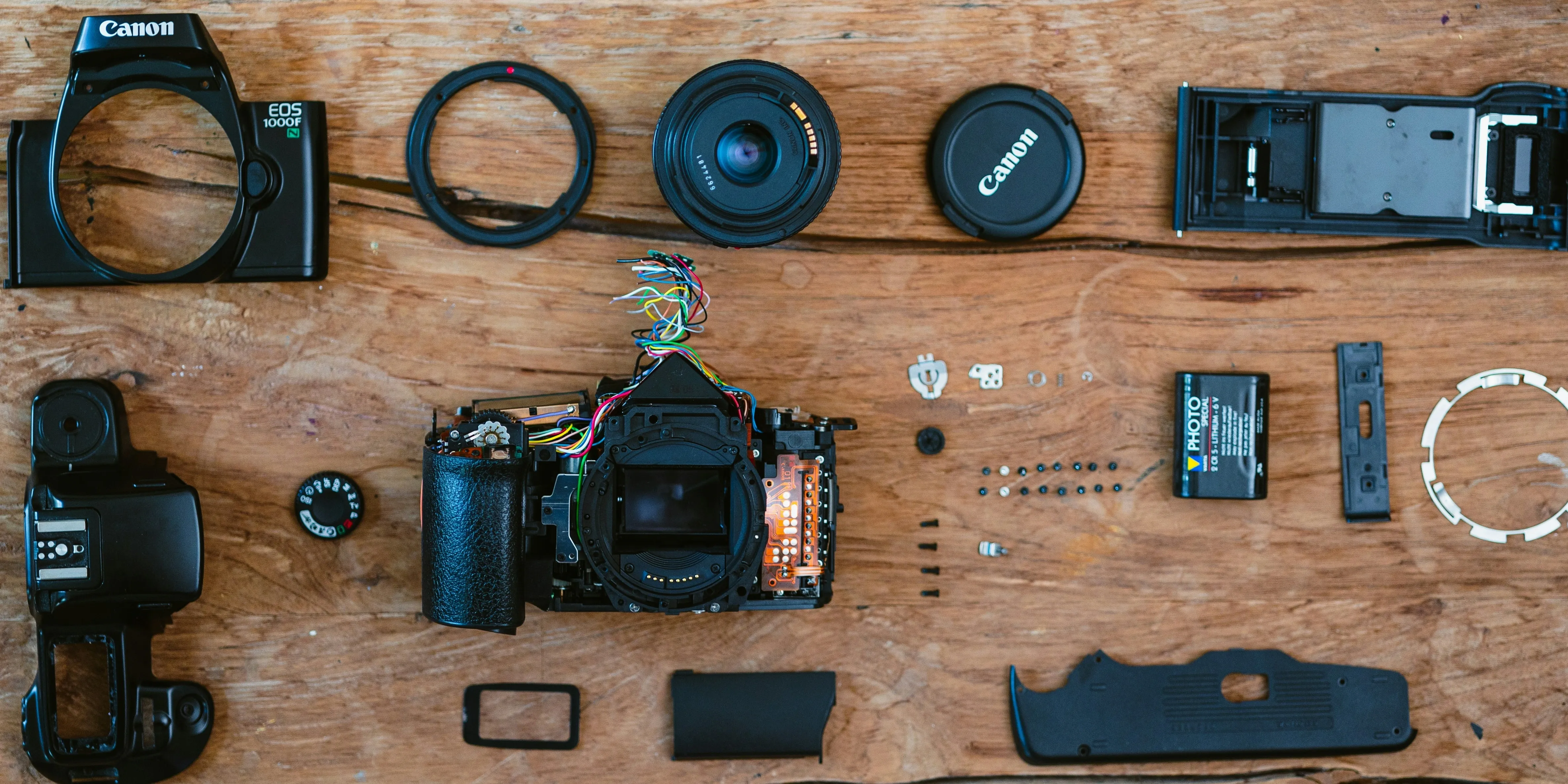
Photo by Meghan Schiereck on Unsplash